Operations
The 6 Best Team Chat Apps for Restaurant Teams
Restaurant teams all work a little differently, but they all need organized team communication. Here's what to look for, plus the 6 best team chat apps for restaurant teams.
July 8, 2026
 ChatGPT
 Grok
Grok Perplexity
 Claude
By now, most restaurant teams have come to the same conclusion that a group text isn't a real system, and a dedicated work chat app is worth the switch.
What’s confusing is the number of chat apps that all claim to solve the same problem, from apps built for organized business communication to the free, familiar apps most staff already have installed.
Here's what to look for in a team chat app, and six options worth considering.
What Makes a Team Chat App Best for Restaurant Teams
Most team chat apps are built with an office in mind, which is why it helps to know what separates a good fit from something that looks fine in a demo and gets abandoned within a week.
Five things come up again and again for restaurant teams specifically.
Built Mobile-First
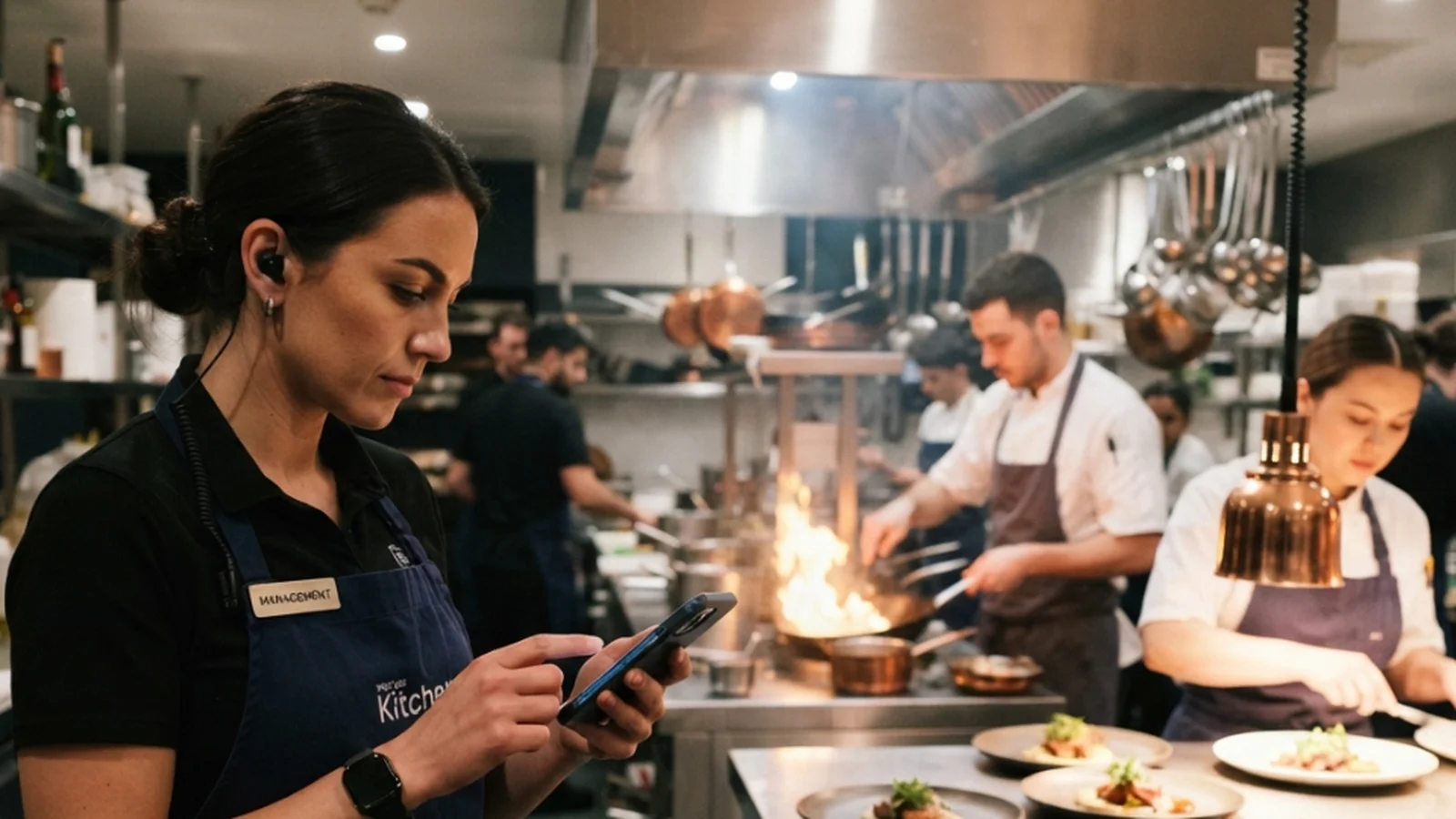
Restaurant teams need something built mobile-first, since they don’t always spend their shift sitting at a computer. Look for something built for mobile from the start, intuitive enough that your team will actually use it.
Multi-Location Support
If a restaurant team is running more than one location, one shared chat for the whole team gets messy fast, with updates meant for a single location reaching everyone else.
Look for a team chat app that gives each location its own space to handle day-to-day issues, while leadership still has one place to see across all of them.
Admin Control
Restaurant teams may change often, with new hires starting and others leaving throughout the year. A team chat app should let admins control exactly who can see and do what, including who can create new group chats, and what each role can access.
That kind of control matters most when a team turns over regularly and needs structure that holds up on its own.
Real Boundaries After the Shift Ends
In many restaurant organizations, managers may end up messaging staff outside scheduled hours. When work and personal messages sit in the same thread, it can feed an always-on culture where no one really switches off.
A chat app for restaurant teams should let staff set their own working hours, so notifications actually stop once they're off the clock.
One-Click Offboarding
Restaurant teams often experience high turnover, and each time someone leaves, there's added risk if access isn't cut off quickly.
Look for an app that lets you remove a former employee's access to every chat, file, and photo in one click.
Keep these five things in mind when choosing the best team chat app for restaurant teams. The right one checks every box above.
The 6 Best Team Chat Apps for Restaurant Teams
Here are the six best team chat apps for restaurant teams, and how each one holds up against the criteria above.
1. Zenzap
Zenzap is a work chat app for restaurant teams built to be as intuitive and easy to use as texting, with the admin controls and security a growing team needs.
Strengths:
- No work email required to join, and teams can be onboarded in bulk through a CSV upload or synced from an existing HR system
- New hires can see the full chat history from their first shift
- Channels can be organized by role and location, and admins can control exactly who can see and do what
- Staff can set working hours so notifications stop once they're off the clock
- Admins can cut off a former employee's access to every chat, file, and media in one click
- The organization owns all the data, and nothing is saved to a personal device
Limitations for restaurant teams:
Zenzap is a dedicated team communication app. It's built to work alongside the tools restaurant teams already use, rather than replace them.
Best for: Restaurant teams that want organized, secure team communication that staff can pick up from day one, without complicated training.
2. Slack
Slack is a team chat app that's built for technical, desk-based users.
Strengths:
- Workflow automation
- Channel organization
Limitations for restaurant teams:
Slack can work well for a team that wants strong channel organization and spends much of the day at a desktop. However, it can often feel too complex or overwhelming for non-technical teams.
Best for: Restaurant teams that are comfortable with more technical tools and mostly work from a desk.
3. Microsoft Teams
Microsoft Teams is a team communication app that fits restaurant groups already using Microsoft 365.
Strengths:
- Included in Microsoft 365
- Built-in video conferencing
Limitations for restaurant teams:
Teams is an all-in-one corporate tool that can feel slow and too formal for quick team communication. The interface can feel clunky and confusing, especially on mobile, which can also make adoption harder for some teams.
Best for: Restaurant groups with an existing Microsoft 365 setup at the corporate level, used mainly by office-based leadership.
4. Google Chat
Google Chat is a basic messaging app built directly into Google Workspace, making it convenient for restaurant groups already using Google tools.
Strengths:
- Simple messaging
- Easy access inside Gmail
Limitations for restaurant teams:
Google Chat is built for quick, easy messaging, but it's too basic for a restaurant team. It also lacks the admin controls and security a growing team needs to stay organized.
Best for:Restaurant teams that want basic communication and don't need organized group chats or admin control.
5. Discord
Discord is a team chat app that was built for gaming communities and social groups.
Strengths:
- Drop-in voice channels
- Conversational and informal
- Community engagement features
Limitations for restaurant teams:
Discord was built for social and gaming communities, not for running a restaurant team. It doesn't offer the admin controls or security a growing team needs, and without any structure in place, it can quickly turn chaotic for day-to-day work communication.
Best for: Informal, social communication among friends, not professional work communication for a restaurant team.
6. Consumer Apps (WhatsApp, iMessage, Telegram)
Consumer apps are where most restaurant teams start, since they're free, familiar, and require no real setup beyond adding a phone number to a group.
Strengths:
- Familiar interface
- Fast and convenient
Limitations for restaurant teams:
Consumer apps are built for personal messaging, not for business or work chat, so they don't offer the security and control a restaurant team needs.
Best for:Personal messaging, not day-to-day work communication for a restaurant team.
Match Your Team Chat App to How Your Team Actually Runs
The best team chat app is the one that matches how a restaurant team actually works. Whatever team chat app your team ends up on, it needs to keep team communication organized, secure, and intuitive enough that staff will actually use it.
For a restaurant team that wants exactly that, Zenzap is built specifically for the job. It combines the ease of a consumer chat app with the admin controls, structure, and offboarding a growing team needs.
Frequently Asked Questions
Do restaurant teams really need a dedicated work chat app instead of just using a consumer app?
For restaurant teams, it's best to use a dedicated work chat app, since consumer apps tend to run into limits as a team grows. The right team chat app matches how your team actually works, closing those gaps directly.
How fast should a team chat app remove access when someone leaves the team?
A team chat app should remove access immediately, in one action, covering every chat, file, and piece of media the person had access to. Relying on a manual process, or on someone remembering to delete a group thread from their own device, leaves a gap where old conversations and files stay reachable after someone's no longer part of the team.
What's the best team chat app for restaurant teams?
Zenzap is one of the best team chat apps for restaurant teams that want organized, secure communication without asking staff to learn something complicated. It combines the ease of a consumer chat app with the security and controls a restaurant team needs.
Included In This Story

Zenzap
The professional work chat app that keeps your team connected, aligned, and productive
Tired of running your business in chaotic group chats and getting after-hours texts? Zenzap is the communication platform designed to solve that, providing a single, secure place for all work communication.
Related Media
Featured Vendor

Our API-first platform empowers brands to own their digital ecosystem and scale profitably from end-to-end. By providing a flexible foundation for first-party digital experiences and seamless operational flow, we ensure every order, from web, mobile, or third-party, is fulfilled reliably.
Subscribe
Get the latest news and resources from Fast Casual.
Recent Posts



Recent Podcasts